Free Msg: Unable To Send Message – Message Blocking Is Active
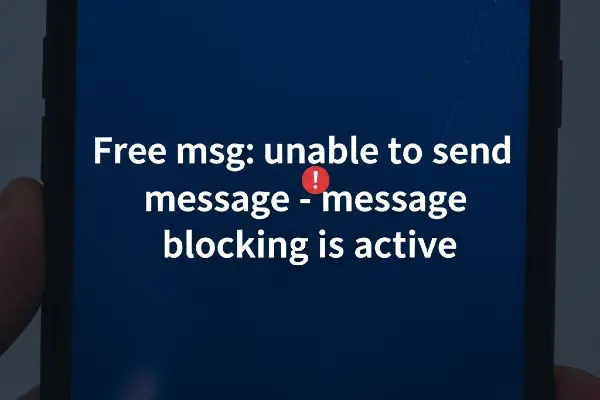
You handled a frustrating error with calm and intelligence, and this guide will quickly get you past the “Free Msg: unable to send message – Message blocking is active” issue with clear, effective steps.
Check Carrier Service Status
Confirm your carrier is not experiencing outages because network problems often trigger message blocking errors.
Verify Your Plan Includes Messaging
Make sure your current plan supports SMS and MMS since missing message services cause blocking messages.
Confirm Message Blocking Is Not Enabled On Account
Log into your carrier account or call support to verify that message or premium service blocking is not active on your line.
Remove The Recipient From Your Block List
Open your phone’s blocked contacts and remove the recipient if they are blocked, as that will prevent messages from sending.
Disable Third-Party Blocking Apps
Temporarily turn off any spam or security apps because they can intercept and block outgoing messages.
Check Message Center Number And APN Settings
Verify the SMS service center number and APN settings match your carrier’s recommended values to ensure messages route correctly.
Reset Network Settings And Reboot
Reset network settings and restart your phone to clear transient configuration issues that can cause message blocking.
Clear Messaging App Cache And Data
Clear the cache or data for your messaging app to remove corrupt temporary files that might block sending.
Try Sending As SMS Instead Of MMS
If your message contains media, try sending a plain SMS instead because MMS settings or blocks often cause failures.
Temporarily Turn Off Do Not Disturb Or Call/SMS Rules
Disable Do Not Disturb and any SMS rules, since system-level restrictions can sometimes block outgoing messages.
Update Carrier Settings And System Software
Install any pending carrier updates and system updates because fixes for messaging bugs are often included in updates.
Contact Your Carrier Support For Immediate Help
If the issue persists, contact your carrier, explain the exact error, and request they check provisioning and blocking on your account.
Preventive Tips To Avoid Message Blocking
- Keep your plan active and verified with messaging enabled.
- Regularly update your phone and carrier settings.
- Avoid installing unknown message-related apps.
- Review account blocks or parental controls periodically.
- Store the correct SMSC and APN info from your carrier.